DigiLocker 2026: How to Download Documents and IDs on Your Phone
Learn everything about DigiLocker in simple terms. A complete guide for students to download CBSE marksheets, PAN cards, and degrees safely. Step-by-step account setup.
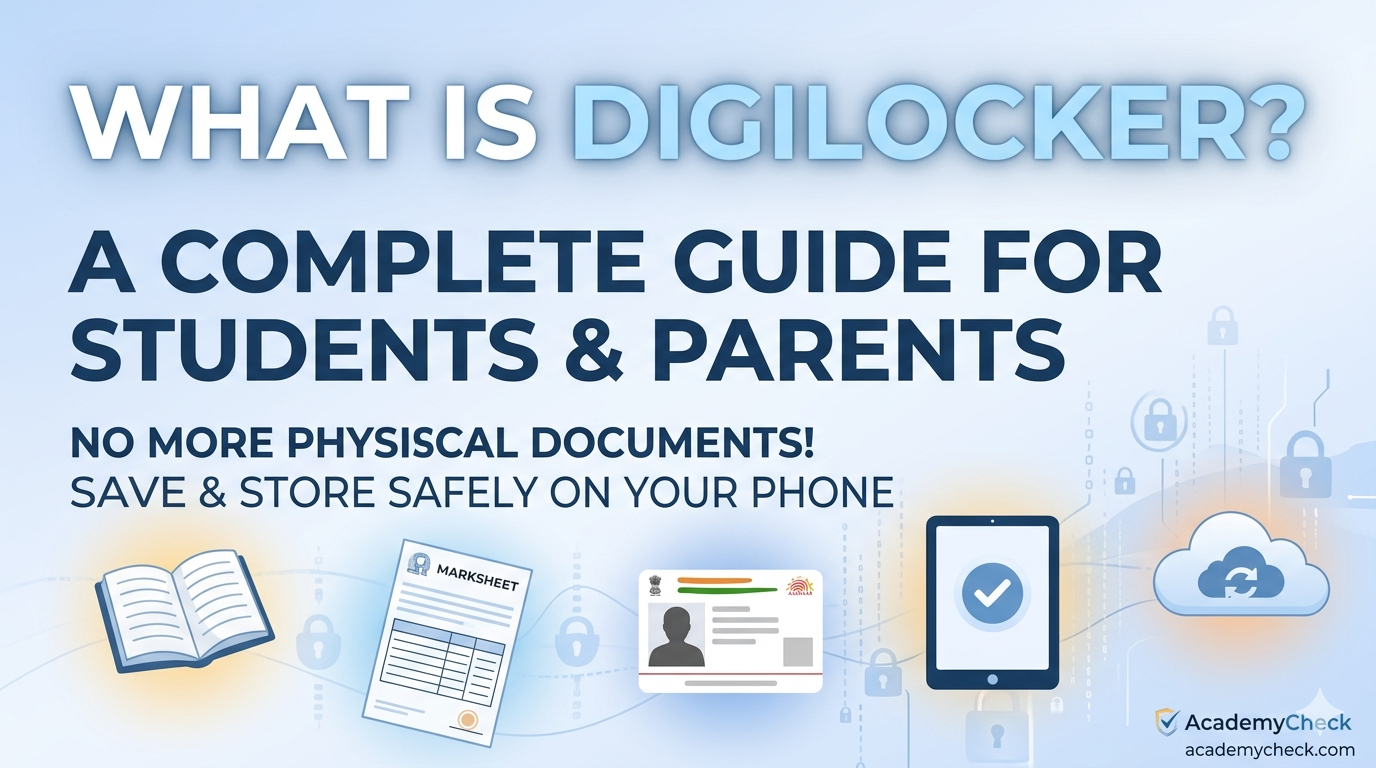
Hello students, I am Kiran, and I am going to explain everything you need to know about DigiLocker. Imagine a physical wallet where you keep your ID cards, marksheets, and certificates. Now, imagine that wallet is digital, stays in your phone, and you can never lose it! That is exactly what DigiLocker is.
Launched under the "Digital India" program, DigiLocker is a secure cloud-based platform for storage, sharing, and verification of documents and certificates. For students and parents, it is a lifesaver because it is now mandatory for many school boards (like CBSE) and universities to issue digital certificates directly here.
DigiLocker 2026: At a Glance
Feature | Details |
Launched by | Government of India (MeitY) |
Storage Capacity | Up to 1 GB of secure cloud space |
Key Documents | Marksheets, Aadhaar, PAN, Driving License, Degree |
Legal Status | Equivalent to original physical documents (IT Act 2000) |
Verification | QR Code based instant verification |
Mobile App | Available on Android & iOS |
How to Open Your DigiLocker Account?
Setting up your account is very easy and takes only a few minutes. You just need your Aadhaar Number and the mobile number linked to it.
Download the App: Search for "DigiLocker" on the Google Play Store or Apple App Store and install it. You can also visit digilocker.gov.in.
Sign Up: Click on the "Sign Up" button.
Enter Details: Fill in your full name (as per Aadhaar), Date of Birth, Gender, Mobile Number, and a 6-digit Security PIN of your choice.
Verify with OTP: You will receive an OTP on your registered mobile number. Enter it to verify.
Set Username: Create a unique username for easy login in the future.
How to Fetch and Download Your Documents?
Once your account is ready, you don't always have to "upload" files. You can "fetch" them directly from the government database!
Step 1: Log in to your DigiLocker.
Step 2: Go to the "Search" or "Explore" tab.
Step 3: Search for your board (e.g., "CBSE") or document type (e.g., "Class X Marksheet").
Step 4: Enter your Roll Number and Year of Passing.
Step 5: Click "Get Document." The document will be saved permanently in your "Issued Documents" section.
DigiLocker is a safe, government-approved digital wallet that every student must have. It eliminates the risk of losing original certificates and is accepted at airports, during college admissions, and even by traffic police. With the introduction of the APAAR ID in 2026, academic records are now automatically synced to your DigiLocker, making it easier than ever to manage your educational journey without any paperwork.
Helpful Resources from AcademyCheck
To help you stay ahead in your academic and professional life, check out these guides:
Frequently Asked Questions (FAQs)
1. Is DigiLocker really legal?
Yes! According to Rule 9A of the IT Rules 2016, digital documents issued in DigiLocker are legally at par with original physical documents.
2. Can I use DigiLocker without an Aadhaar card?
While you can sign up with a mobile number, you cannot fetch "Issued Documents" (like marksheets or driving licenses) without linking your Aadhaar.
3. What is the difference between "Issued" and "Uploaded" documents?
"Issued" documents are fetched directly from the government (like CBSE or RTO) and are 100% verified. "Uploaded" documents are copies you scan yourself; these are for storage but might not be accepted as official proof.
4. Can I share my documents from DigiLocker?
Yes, you can share a secure link or a PDF of your documents directly with universities or employers via email or the app's sharing feature.
5. What should I do if my marksheet is not showing up?
Ensure your name and date of birth in DigiLocker match exactly with your school records. If there is a spelling mistake in your Aadhaar, the system will not be able to find your marksheet.
Connect to AcademyCheck Team
If you have trouble fetching your educational documents or need guidance on school admissions, we are here to help!
Visit website: AcademyCheck
Student support: 08062179896